
Set it up
Settings and Performance
Gears of War: E-Day settings and performance help: best graphics and controller settings, official PC system requirements and fixes for launch errors.
The PC version of E-Day has a hard floor: a graphics card with hardware ray tracing and an SSD with 115 GB free. Above that floor there is a lot of room to tune, with four upscalers, optional frame generation and a built-in benchmark.
These pages cover the official hardware tiers, which settings to change first, how to set up a controller around the new button layout, and what The Coalition’s support staff recommend for the error codes seen in launch week.
Settings advice is hardware-dependent, so each recommendation says where it comes from and what it trades away.
Start here
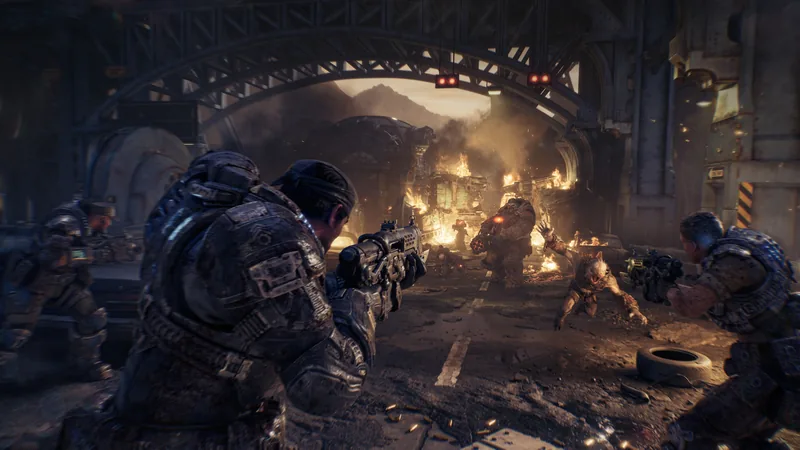 Best Gears of War: E-Day Settings for PC and XboxBest Gears of War: E-Day settings by hardware tier: which preset and upscaler to start from on PC, the options added at launch and what Xbox players can change.
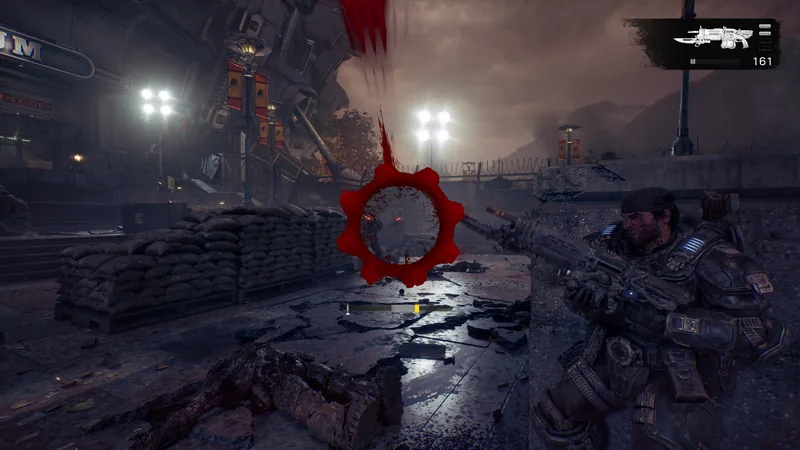 Best Gears of War: E-Day Controller SettingsGears of War: E-Day controller settings explained: the new default layout, the legacy scheme, aim assist limits, reload bar position and PC controller fixes.
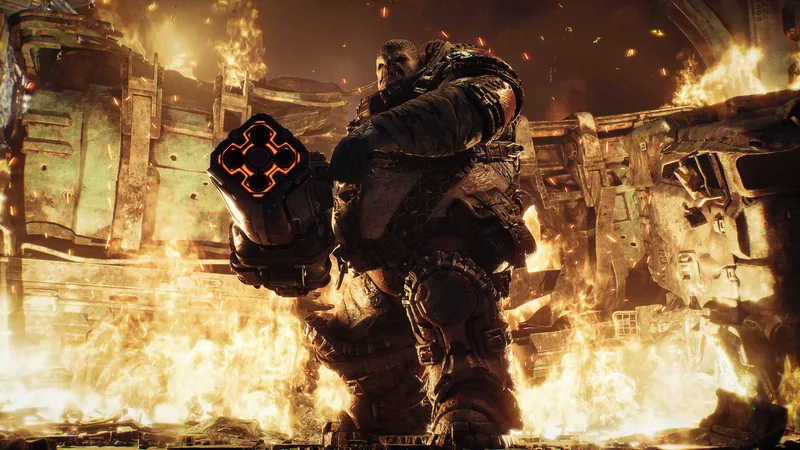 Gears of War: E-Day System Requirements for PCOfficial Gears of War: E-Day system requirements: minimum, recommended and Ultra PC specs, the ray-tracing GPU rule, 115 GB SSD storage and driver versions.
Troubleshooting